


Guides · 3 min read
How to Create a QR Code on QR Bio (qr-bio.com)
A step-by-step guide to generating a dynamic QR code for your business, product, or event.

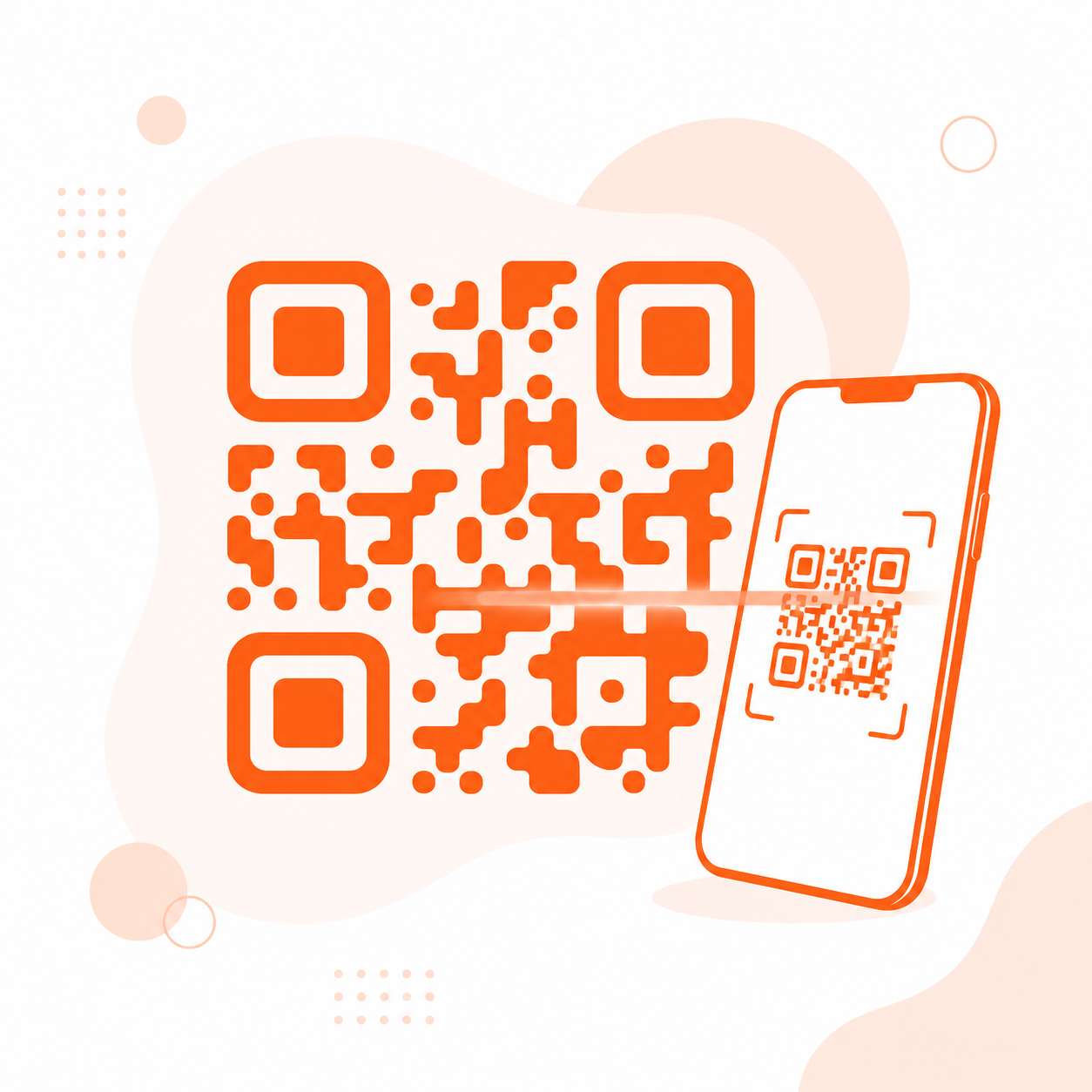
A QR code is one of the fastest bridges between the physical and digital world — scan it with a phone camera, and someone lands exactly where you want them: a website, a menu, a WiFi network, or a contact card. Here's how to create one on QR Bio (qr-bio.com), step by step.
1. Choose your QR code type
Start by picking what the QR code should do when scanned. QR Bio supports several content types:
- Website URL — send scanners straight to a page or landing page.
- PDF — share a menu, brochure, or catalog.
- WiFi — let guests connect to your network without typing a password.
- vCard — share your contact details as a digital business card.
- Social profiles, text, and more — for almost any use case.
2. Enter your destination content
Fill in the details for the type you picked — a URL, an uploaded file, or your WiFi credentials. Choose a dynamic QR code rather than a static one: dynamic codes let you change the destination anytime without reprinting the code, which is essential once it's on packaging, signage, or business cards.
3. Customize the design to match your brand
A QR code doesn't have to be black and white. In the builder, you can:
- Change the QR color to match your brand palette.
- Add your logo to the center of the code.
- Choose a frame with a call-to-action like "Scan me".
- Adjust the error correction level — higher settings keep the code scannable even if part of it is covered by a logo or slightly damaged.
Keep enough contrast between the code and its background so scanners can still read it — that matters more than any visual effect.
4. Download in the right format
Once you're happy with the design, download the QR code in the format you need: PNG or SVG for digital use, or a print-ready format for packaging, posters, and signage. SVG is the best choice when the code will be scaled to a large size, since it stays sharp at any resolution.
5. Track scans with real-time analytics
Every scan is recorded automatically. From your dashboard you can see total scans, unique visitors, top countries, devices, and browsers — useful for measuring whether a campaign, product, or event is actually driving engagement.
Best practices for QR codes that get scanned
- Give people a reason to scan. A short label like "Scan for 10% off" performs better than a bare code.
- Test before printing at scale. Scan the code yourself with a few different phones first.
- Size it right. A QR code on a poster needs to be larger than one on a business card — as a rule of thumb, make sure it's scannable from the distance people will actually stand.
- Always use dynamic codes for print. If the destination ever needs updating, you'll be glad you didn't have to reprint everything.
Ready to make yours?
Creating a QR code on QR Bio takes less than a minute — pick a type, add your content, customize the design, and download. No design skills or coding required.